How to Add the Burning Bridges Sound on TikTok and Instagram
Your Burning Bridges AI video downloads without audio. Here is how to add the Burning Bridges sound from the TikTok or Instagram music library, line it up, and stay on the right side of music rights.
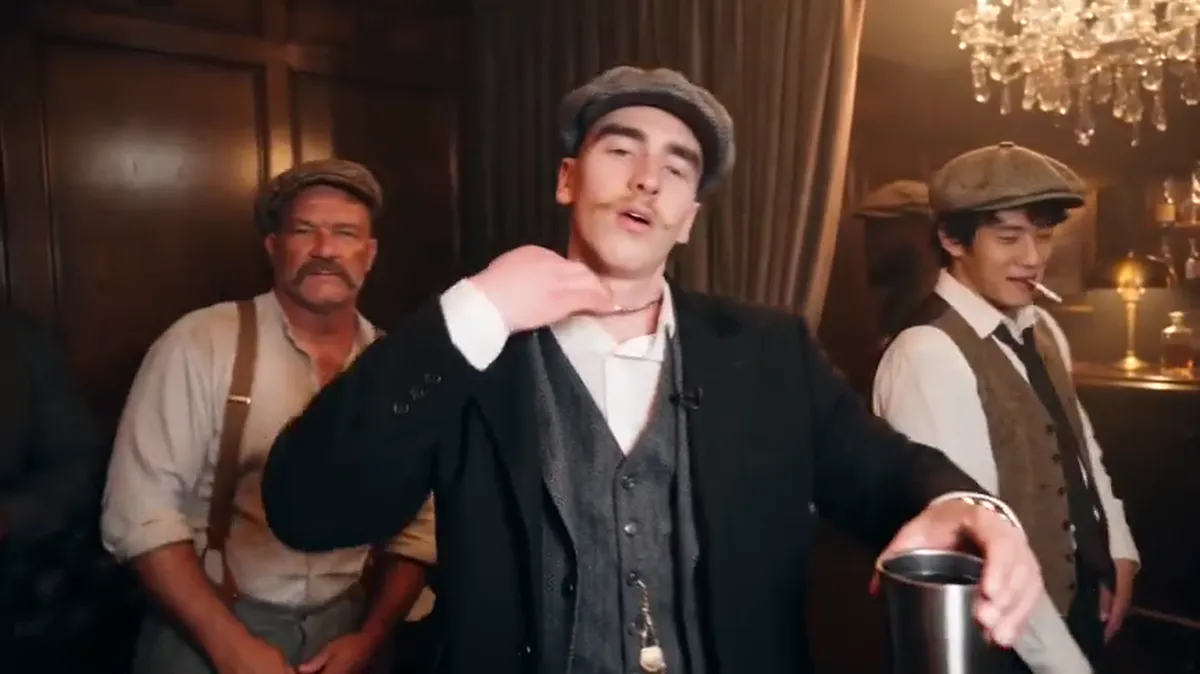
To add the Burning Bridges sound, upload your silent MP4 to TikTok or Instagram Reels, open the app's music picker, search for "Burning Bridges", and pick the sound before you post. Using the in-app sound is also what puts your video on the trend's sound page, where people browsing the trend can find it. If you add music in an editing app instead, you need the right to use that music.
Why is my Burning Bridges AI video silent?
On Burning Bridges AI the preview plays with the original audio so you can check the timing of the moves. The MP4 you download has no audio track.
There are two reasons:
- Music rights. The song belongs to its rights holders. TikTok and Instagram have licenses for the sounds in their music libraries, so adding it there is the clean way to use it.
- Reach. A video posted with the in-app sound is linked to that sound's page. A video with music burned into the file is not, and platforms may mute copyrighted audio they detect in uploads.
How do I add the Burning Bridges sound on TikTok?
- Open TikTok and tap the + button to create a post.
- Upload your Burning Bridges AI video from your camera roll.
- Tap the sound option at the top of the editing screen.
- Search for "Burning Bridges" and pick the Drake track or the trend's sound.
- Adjust the start point so the beat lines up with the walk-in at the start of the clip.
- Turn down or mute the original video volume. It is silent anyway.
- Turn on the AI-generated content label in the post settings, then post.
If the sound does not show up in search, it may not be available in your region or for your account type. Business accounts often have a smaller music library.
How do I add the Burning Bridges sound on Instagram Reels?
- Open Instagram and start a new Reel.
- Select your video from the gallery.
- Tap the music option in the editor.
- Search for "Burning Bridges" and pick the track.
- Choose the part of the song that matches the clip and set where it starts.
- Add the AI label if Instagram offers it for your post, then share.
The same rule applies: if the track is missing, your region or account type may not have it.
Which part of the song should I use?
The video copies the party scene from Drake's Burning Bridges music video, which runs from about 2:37 to 3:06 in the official video. Pick the section of the song that plays during that scene. On this site, the preview plays the matching audio, so watch it once and use it as a guide for where the beat lands.
Can I add the music in a video editor such as CapCut?
You can, but then you are responsible for having the right to use the music. Hearing the song in our preview does not give you a right to publish it. This is written in the terms under Music and Third-Party Rights.
If you want reach on TikTok or Instagram, the in-app sound is the better choice anyway, because it links your post to the sound page.
What about YouTube Shorts and X?
YouTube Shorts has its own audio library inside the Shorts editor. Search there for the track and add it the same way. X does not have a built-in music library, so a post there needs audio that you have the right to use, or no music.
For bigger screens, such as YouTube or X, consider the 720p option. It uses twice the credits: 200 for 15 seconds, 600 for the full 29 seconds.
FAQ
Why can't I download the video with the song? The song belongs to its rights holders. Adding it from the TikTok or Instagram music library keeps your post licensed and links it to the trend's sound page.
Will TikTok mute my video if I add the song in an editor? It can. Platforms detect copyrighted audio in uploads and may mute it. The in-app sound avoids that.
How long is the video I'm adding sound to? 15 seconds or the full 29 seconds, landscape 16:9. See How to make a Burning Bridges AI video.
What is the Burning Bridges trend? A format based on the party scene in Drake's Burning Bridges music video. Read The Burning Bridges AI trend explained.
Have your video yet? Make one from a photo.